NFC Enabled Touch Panel
Role: UX Designer
User Research, Interaction, Prototyping, Visual Design
Date:
2021-2022
Project Overview
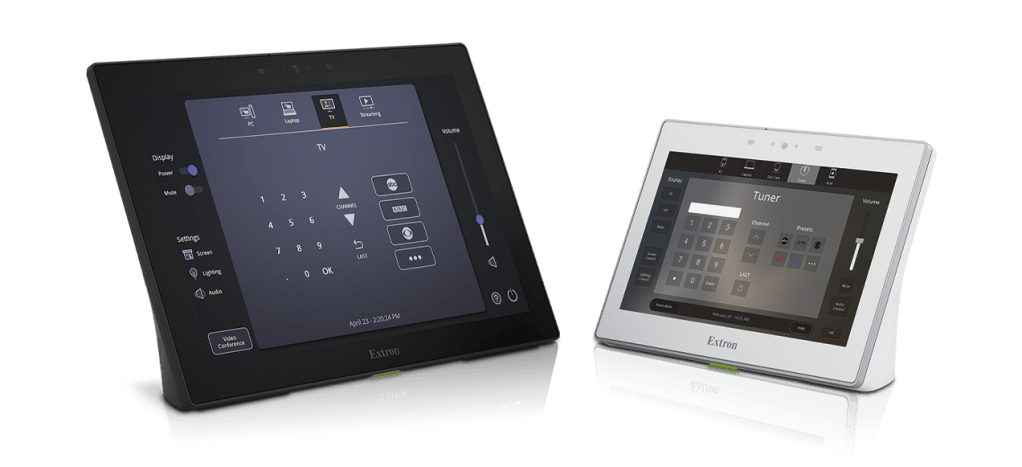
The Extron TouchLink Pro touch panels give users easy and complete control over the connected devices in a meeting room or larger space. This R&D project focused on adding NFC chips to the panels and the experience of interacting with the new functionality.
Quick Introductions
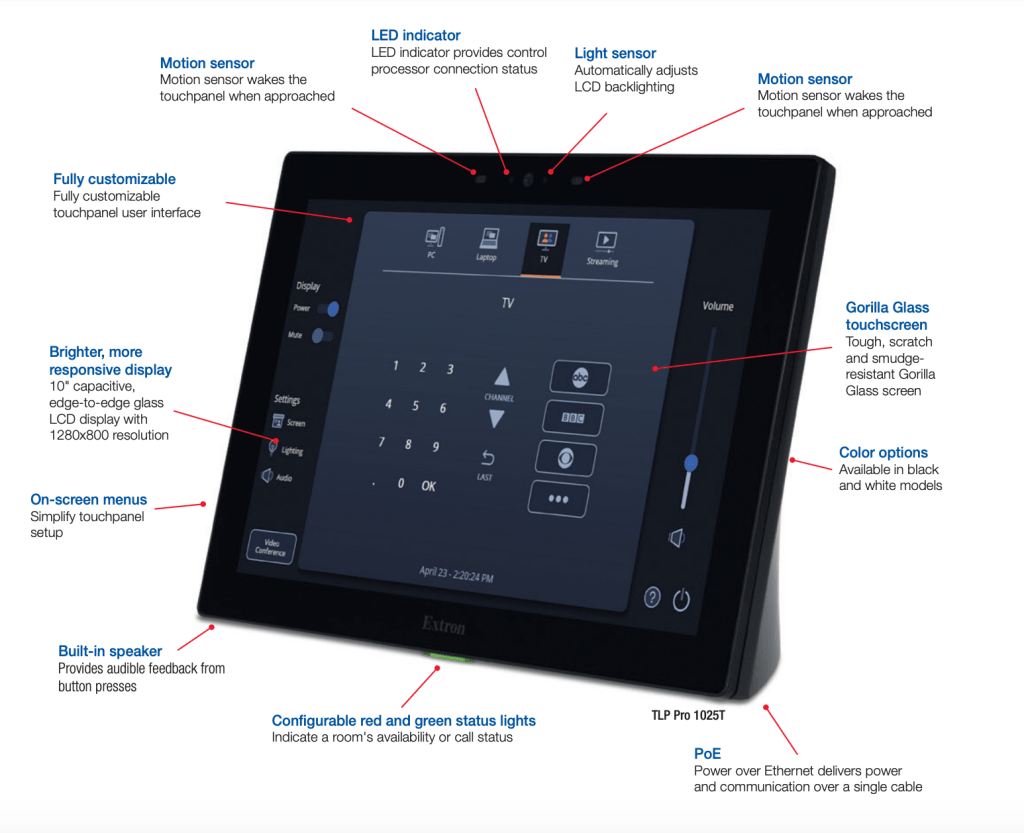
TouchLink Pro
The TouchLink Pro comes in many shapes and sizes and is the end user-facing interface for controlling the technology in a room. These touch panels are designed to control video, audio, lighting, shades, HVAC, security, and other systems within virtually any environment.
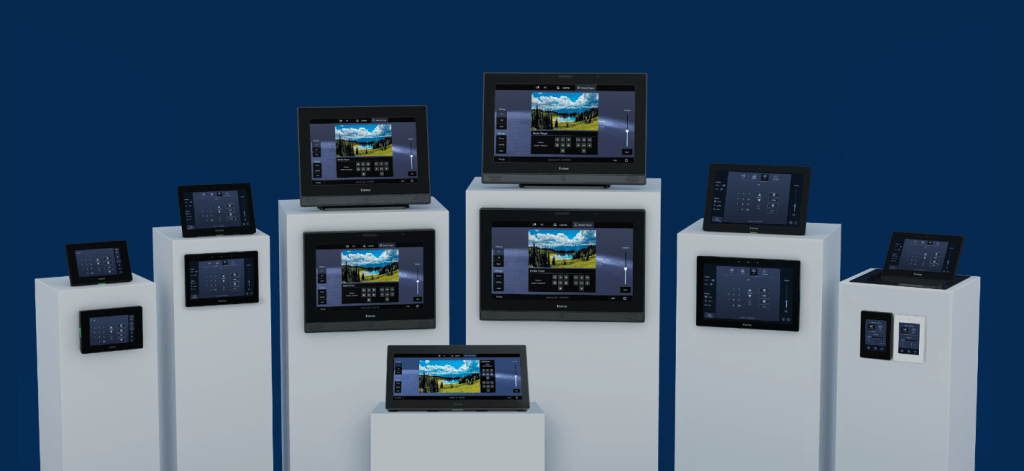
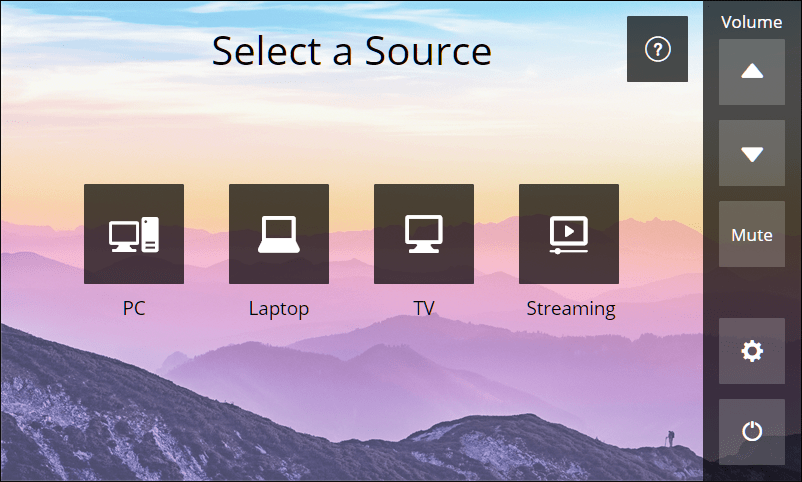
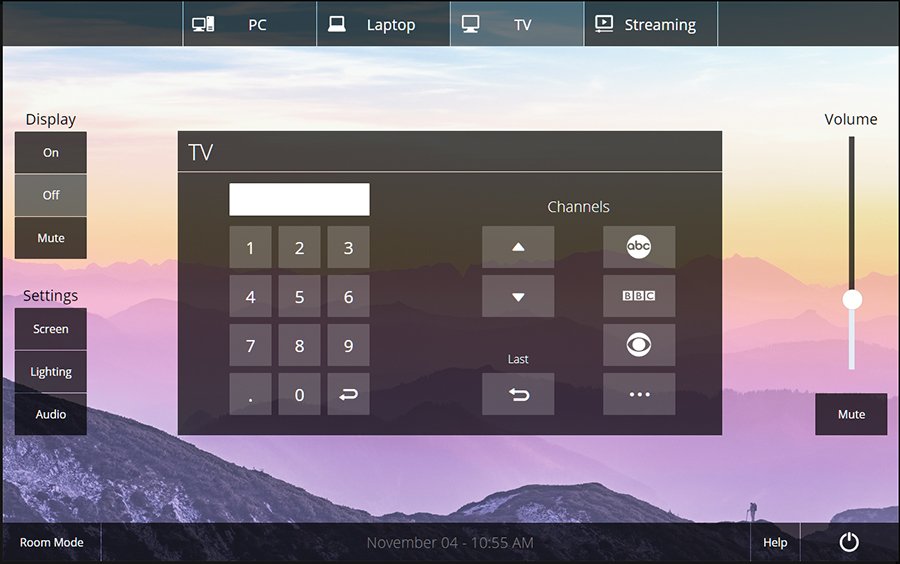
“Mach” Template Examples
- We have designed and tested multiple templates for our TLPs over the years
- In addition to the templates, we have also created a guide for users who want or need to design their own interface
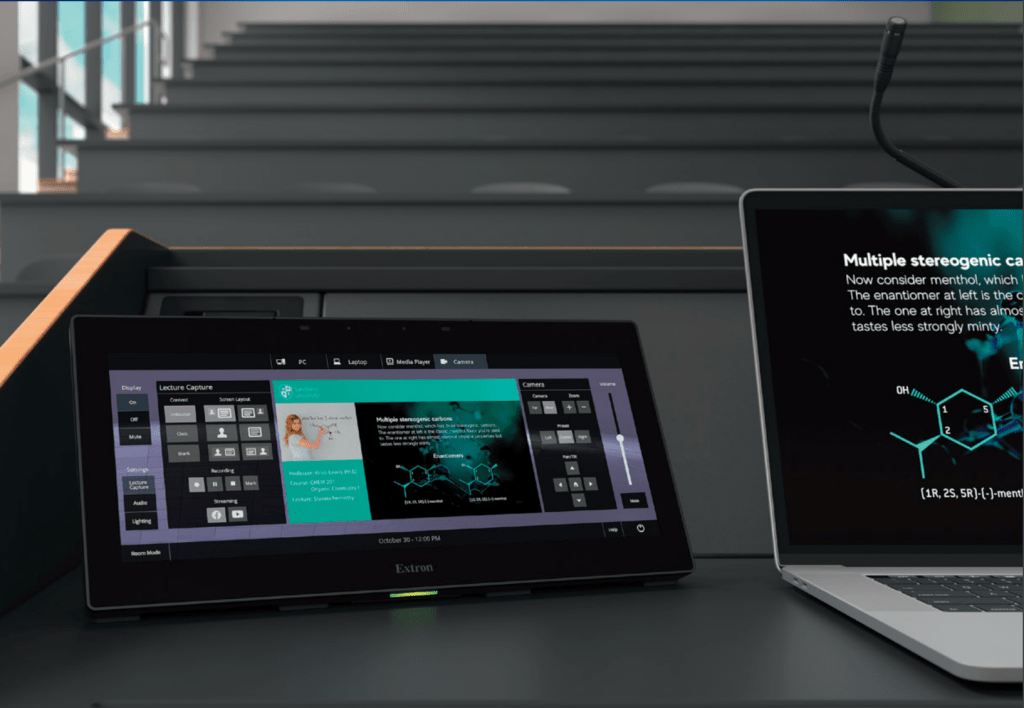
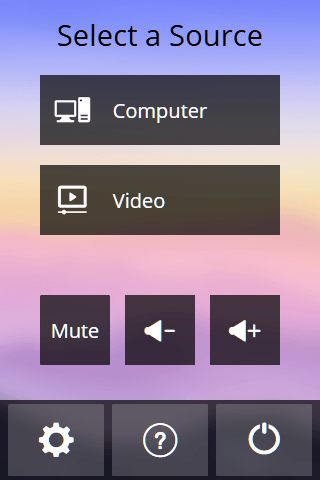
Additional screens and sizes:
NFC Technology
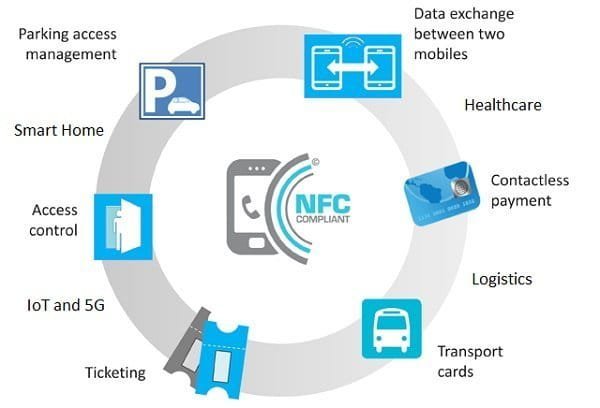
Near-field communication (NFC) enables data sharing between an NFC tag and an electronic device over a small distance (approx. 4cm).
A “tap” or scan between an NFC tag and an NFC-enabled device can facilitate:
- contactless payment
- unlocking and starting your vehicle
- opening doors touch-free
- connecting electronic devices to share data
The Problem (aka the Opportunity)
- Over the years, many of our customers have asked for touch-free solutions for accessing and controlling work spaces
- Touch-free usually means faster, and when done well, can also mean seamless
- Post-pandemic, there is also a looming safety concern about limiting the spread of harmful germs
We have explored several possible touch-free solutions, including voice user interface, QR codes and NFC compatibility. This research and development project was an exploration into Extron + NFC.
Additional Context
- PD, UX and ENG collaborated over the course of a few weeks to develop this POC
Empathize and Define
Touch panels are used in many different environments, by a wide variety of people. While voice commands and QR codes are becoming more widely adopted, NFC technology is still relatively unknown.
READ: We needed to make this new workflow as obvious and intuitive as possible.
Research
User Goals
- Convenient and quick access
- Touch-free entry to secure buildings and rooms
- Easily share and apply user preferences
Painpoints
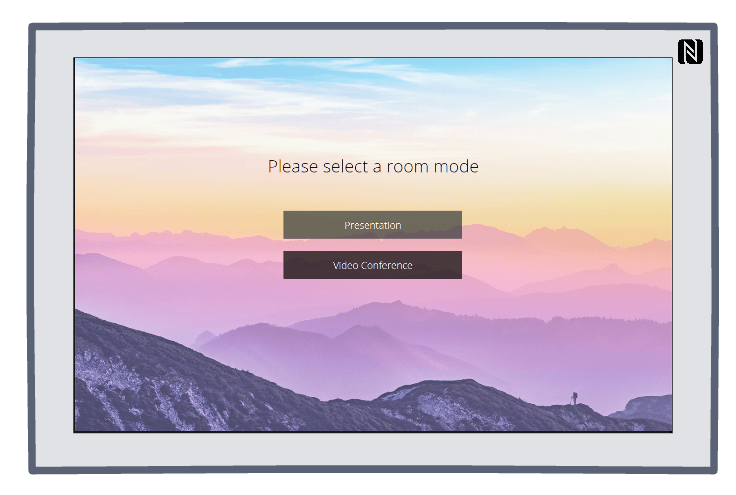
- An earlier touch panel experiment had a UFC chip embedded into the beveled edge on one side
- This model had a VERY small NFC logo which indicated the scannable area
- If a person does not see this tiny logo, or does not recognize the logo and its purpose, they will be left guessing as to what to do
Example:
Secondary Research
Examples:
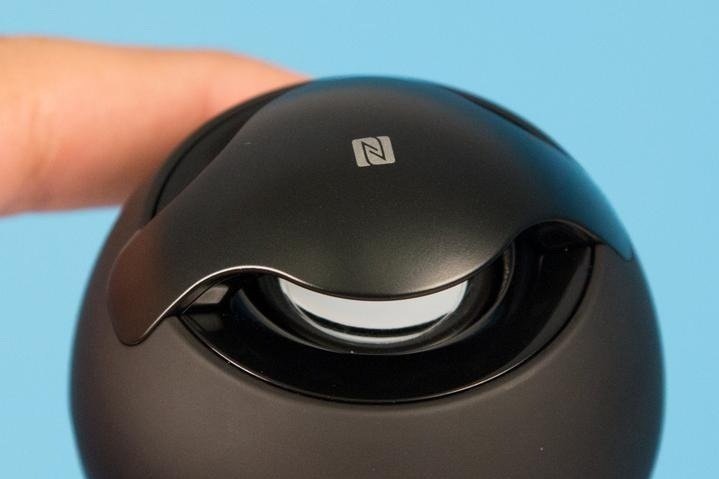
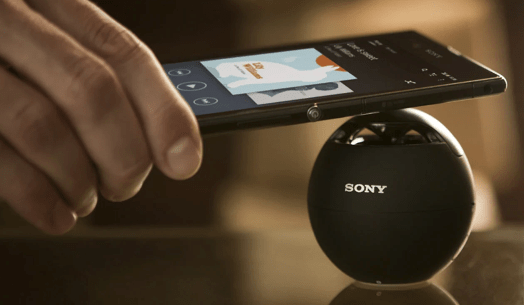
GOOD: This Sony ball speaker has a tiny NFC logo to indicate the scannable area, but at least it is in an obvious spot
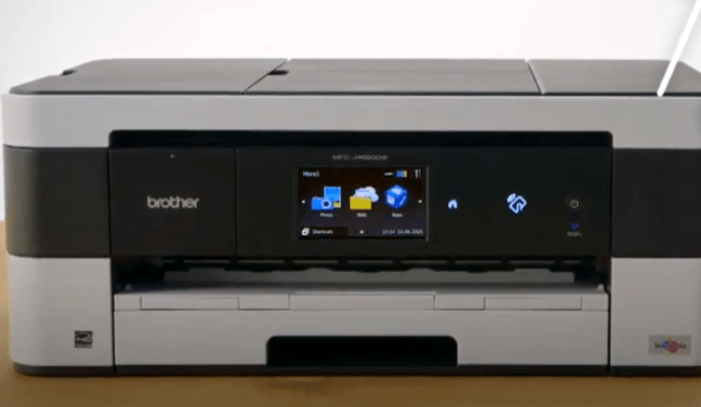
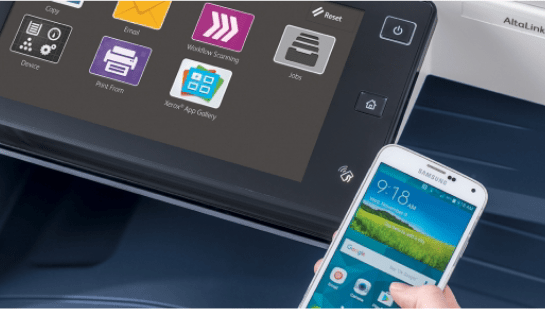
BETTER: Both of these printers have a backlit icon to indicate the scannable area


BEST: Both of these examples give users onscreen directions
Ideate & Prototype
We practiced Lean UX to quickly generate ideas and concepts with very few requirements. Working under tight deadlines, we performed quick, guerilla-style usability testing and incorporated the qualitative feedback into our iterative process.
1st Iteration
- Based on feedback from SME’s and competitive analysis, we recommended putting the NFC chip “under the glass”, and that we build the workflow into the UI
- Our first concept added the step of scanning an NFC chip to an existing start screen:
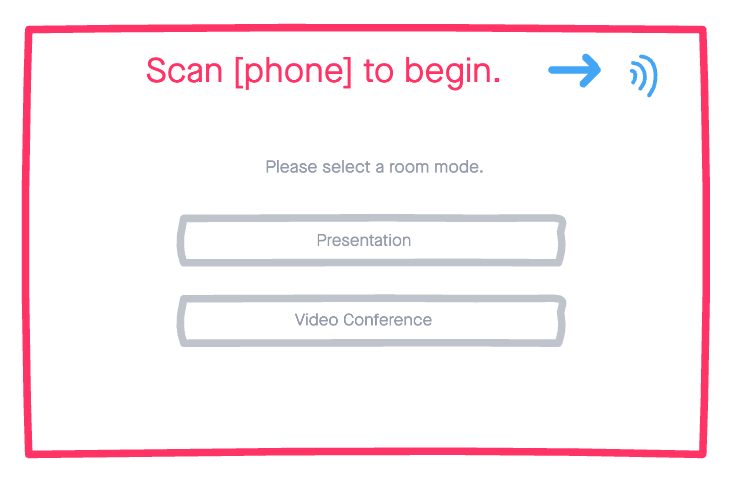


Findings
- This required disabling the main content until users have been authenticated, complicating the design and creating the opportunity for user confusion
2nd Iteration
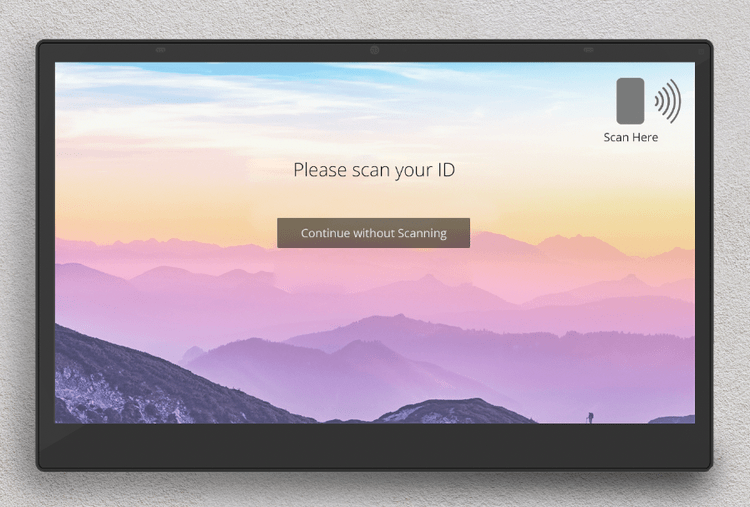
This time we added a new screen, solely for scanning the NFC chip:
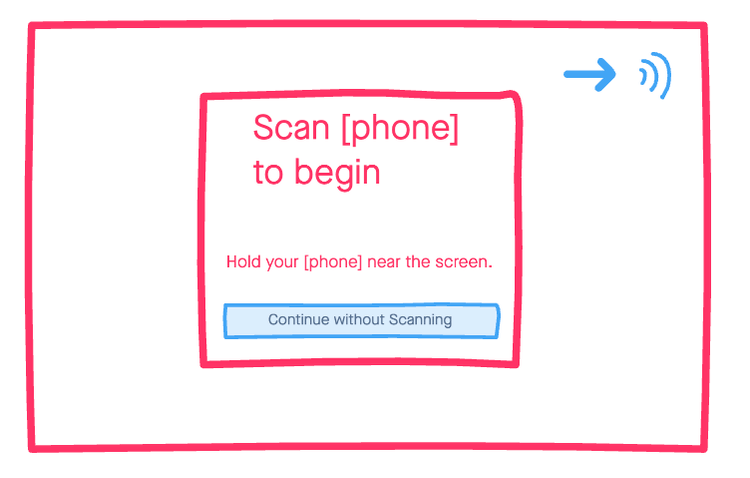
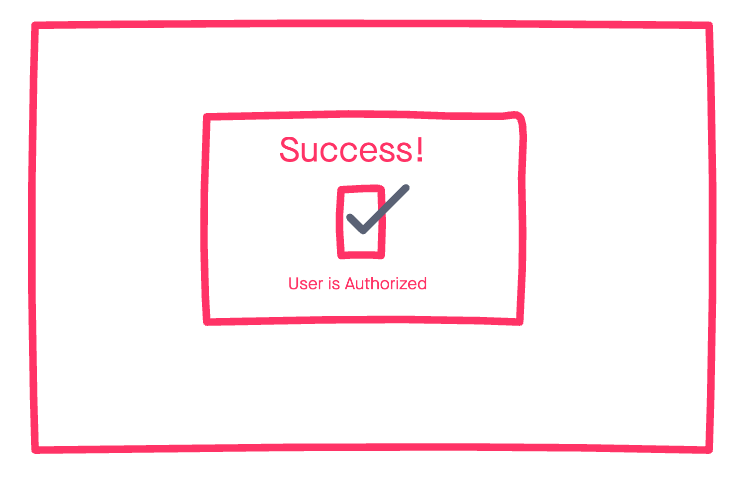

Findings
- This flow gives users clear instruction on how to proceed
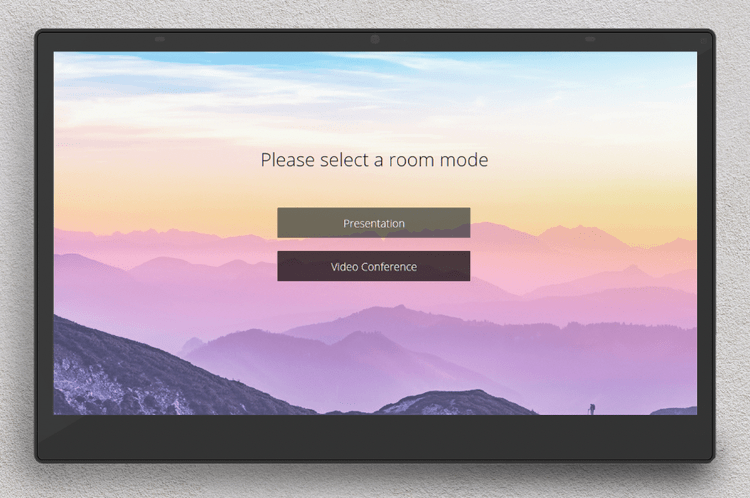
- It also distinguishes the act of of scanning from first step of using the panel to control a space
Hi(ish) Fidelity
With buy-in from Product Management and Engineering, we moved forward with the second iteration.
- I created a very basic prototype, to get feedback on the workflow



What’s Next?
📊 Usability Testing
🔄 More Iteration
Because of nationwide component shortages, this project has been deprioritized. I am not sure when we will pick it back up.
This R&D project was fast and fun, but the design needs further testing and iteration before it is ready to ship.
 SHADI ABD